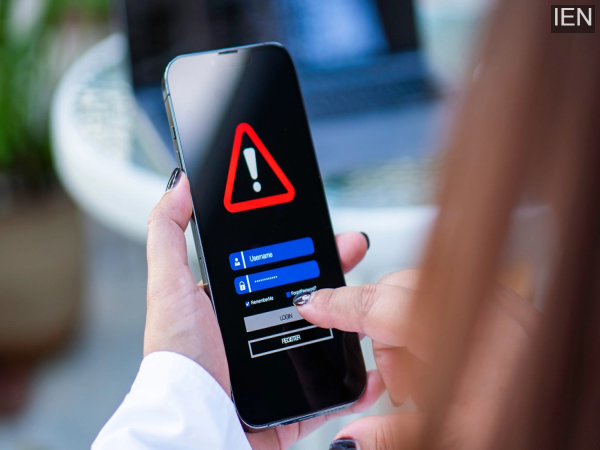
How to Set Up a New Phone: When setting up a new phone, it is crucial to avoid certain mistakes. Committing these errors could lead to the loss of essential data, potentially causing significant inconvenience.
How to Set Up a New Phone: The joy of buying a new phone is truly unique. Many people set up and start using their new device immediately after purchase, bidding farewell to their old phone. While this is a very standard process, making certain mistakes during this phase can result in substantial losses. Therefore, take your time and set up your phone with care. Today, we will outline the specific mistakes you should avoid when setting up your new phone after purchasing it.
Ignoring Security Features
In their excitement over a new device, many people tend to skip over essential steps. This often includes security-related settings. Since smartphones now serve as repositories for all of a user's personal data, paying close attention to security settings has become more critical than ever. Do not skip these settings while setting up your phone. As soon as you acquire the device, configure settings such as Google Play Protect, passwords, biometric protection, and location tracking according to your preferences.
Installing All Apps Simultaneously
Many users, immediately after getting a new phone, proceed to install every single app from their old device all at once. Even if they do not currently need all those applications, they install them anyway, anticipating that they might be required in the future. This practice has two major downsides. First, you end up filling up your new phone's storage capacity right from the start. This can have a slight negative impact on the phone's overall performance. Second, modern smartphones now come equipped with numerous built-in features that have rendered many third-party apps obsolete. Consequently, by downloading unwanted apps, you are merely placing an unnecessary strain on your phone's system resources.
Enabling All Permissions
In their eagerness to start using their new phone, people often overlook critical details and grant every permission request without a second thought. Doing so can be extremely risky. A phone requires certain permissions to function; however, by enabling every permission, you inadvertently grant unnecessary apps access to your sensitive information. Therefore, you should revisit your permissions and revoke any that are not essential.
Saying Goodbye to Your Old Phone Too Soon
Some people bid farewell to their old phones the moment they acquire a new one. This practice should be avoided. Often, not all data gets successfully transferred from the old device. In such instances, your old phone can prove to be useful should the need arise.
Contact to : xlf550402@gmail.com
Copyright © boyuanhulian 2020 - 2023. All Right Reserved.