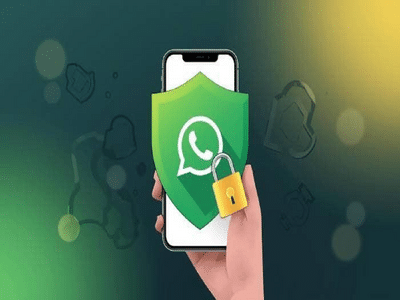
In today’s digital age, WhatsApp is more than just a chatting platform. From personal photos to sensitive documents and even banking details, a lot of private data is stored on the app.
That’s why it’s crucial to ensure your WhatsApp account is not active on any unknown device. If someone else has access, your personal chats and data could be at risk.
Here’s a complete guide to help you check and secure your account.
How to Check If Your WhatsApp Is Logged in ElsewhereWhatsApp offers a built-in Linked Devices feature that allows you to see all devices connected to your account.
Follow these steps:👉 Important:
- Each device shows its last active time
- You can easily identify if any unknown device is linked
If you notice any suspicious or unfamiliar device:
✔️ Tap on that device
✔️ Select “Log Out” immediately
👉 This will instantly remove access from that device and secure your account.
How to Log Out from Other Devices ManuallySometimes, users forget to log out from shared devices like:
- Cyber cafés
- Office computers
- Friend’s laptops
👉 To log out manually:
✔️ Make this a habit to avoid unauthorized access.
Safety Tips to Protect Your WhatsApp AccountTo keep your account secure, follow these important precautions:
- Avoid sharing sensitive information on public devices
- Do not click on unknown links or download suspicious files
- Never scan random or unverified QR codes
- Do not enter OTPs on unknown websites
- Prefer using your personal internet connection
👉 These simple steps can prevent hacking and data theft.
Why This MattersWith increasing cyber threats, even a small mistake can lead to:
- Privacy breaches
- Financial fraud
- Unauthorized access to personal chats
👉 Regularly checking linked devices can help you stay one step ahead.
Final TakeawayKeeping your WhatsApp account secure is easier than you think. By regularly checking the Linked Devices section and removing unknown logins, you can protect your personal data from misuse.
👉 Stay alert, stay सुरक्षित—your digital safety is in your hands.
DisclaimerThis article is for informational purposes only. Users should follow official security guidelines and best practices to protect their accounts.
Contact to : xlf550402@gmail.com
Copyright © boyuanhulian 2020 - 2023. All Right Reserved.